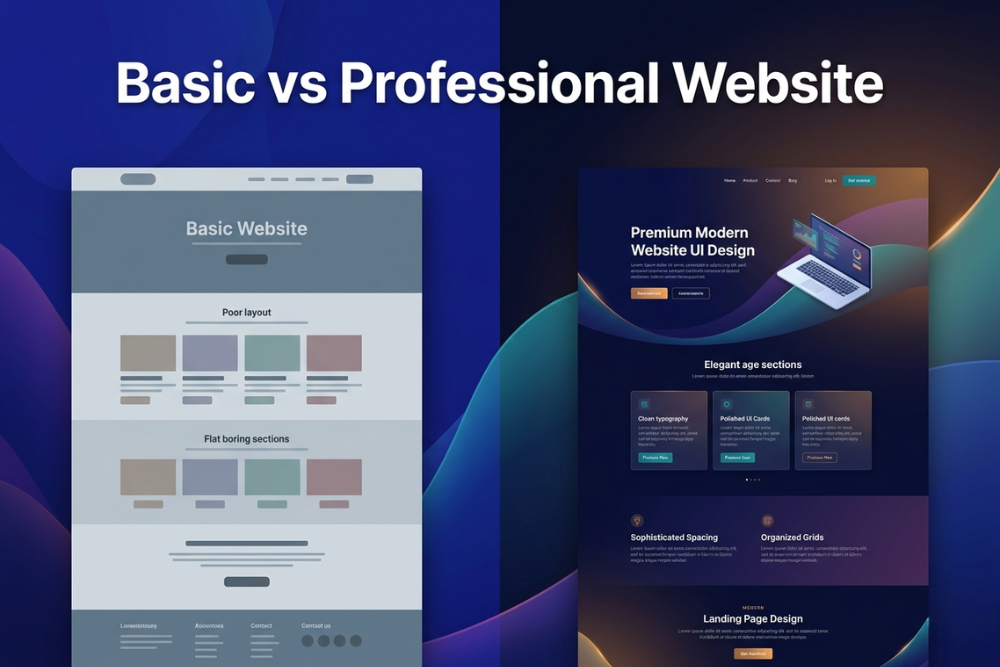
Not long ago, building a website was a slow and complicated process. Designers created mockups, developers manually wrote code, and even small changes could take days of communication and revisions. Launching a professional website often required multiple specialists and weeks of back and forth before the final product was ready.
Today, that process has changed dramatically. Platforms like Framer and Webflow have transformed website creation by allowing designers to build fully functional websites visually without relying heavily on developers. Both tools promise modern design, fast performance, and professional results, which is why many businesses struggle to decide between them. While they may appear similar at first glance, the way they approach website creation is very different.
The Rise of Modern Website Builders
Websites are no longer static digital brochures. Modern users expect websites to feel interactive, responsive, and polished from the moment they load. Features like smooth animations, mobile-first layouts, fast loading times, and engaging user experiences have become standard expectations.
As a result, website builders today are more than simple design tools. They have become strategic growth platforms that help businesses launch faster, improve user experience, and adapt quickly to changing needs. Framer and Webflow currently lead much of this conversation, but each platform serves different priorities.
What Is Framer?
Framer is a visual website builder designed to make website creation feel simple, intuitive, and design-focused. Its interface is familiar to many designers because it resembles modern design tools such as Figma. Users can visually drag elements into place, build layouts, add animations, and publish websites without touching much code.
Key strengths of Framer include:
- Fast and intuitive design workflow
- Smooth built-in animation tools
- Minimal learning curve for designers
- Excellent performance and speed
- Strong suitability for landing pages and startup websites
Framer is especially popular among startups and creators who need to move quickly and launch polished pages without unnecessary complexity.
What Is Webflow?
Webflow is also a visual website builder, but it offers more control over website structure and layout. Rather than simplifying everything, Webflow gives users access to detailed design controls that resemble front-end development concepts such as grid systems, flexbox, spacing, and layout structure.
Key strengths of Webflow include:
- Highly flexible design and layout controls
- Advanced CMS functionality
- Strong support for large content-based websites
- Powerful interaction and animation capabilities
- Greater control over website architecture
Because of its flexibility, Webflow is often chosen by agencies and businesses building larger or more complex websites.
Which Platform Is Faster to Launch?
For businesses that move quickly, launch speed can be one of the most important factors. If your team needs to publish a landing page, campaign page, or new offer quickly, efficiency matters.
Framer is generally better suited for rapid deployment because:
- The workflow is highly intuitive
- Design setup is streamlined
- Publishing is fast and simple
- Less structural setup is required
Webflow is powerful but typically requires more setup and structure before a page is ready. For teams focused on speed and experimentation, Framer often provides a faster workflow.
Which Is Better for Animations and Interactivity?
Motion and interactivity are a major part of modern web design. Smooth hover effects, transitions, and scroll-based animations can significantly improve the user experience when implemented correctly.
Framer was designed with motion at its core, which makes animation creation feel especially natural. It allows users to create polished, interactive experiences quickly without technical complexity.
Webflow also supports advanced interactions, but its animation workflow can feel more technical and structured.
If animation simplicity is a priority:
- Framer is easier and faster for creating engaging visual motion
- Webflow offers more control but with greater complexity
Which Platform Is Better for SEO?
SEO is a critical concern for many businesses, especially those trying to rank on search engines and generate organic traffic. Both Framer and Webflow support important SEO features such as:
- Meta titles and descriptions
- Custom URL structures
- Sitemap generation
- Open Graph settings
However, Webflow has historically been known for offering slightly more flexibility when managing SEO for larger and more content-heavy websites. Framer performs very well for landing pages and marketing sites, but Webflow often has an advantage when managing more complex content structures.
That said, for most businesses, SEO success depends more on content strategy and optimization than on the platform itself.
Which Platform Has Better CMS Capabilities?
A CMS, or content management system, becomes important when managing dynamic content like blogs, directories, or resource libraries.
Webflow offers one of the strongest visual CMS systems among website builders and is particularly useful for:
- Blogs
- Directories
- Resource hubs
- Large content-based websites
Framer also offers CMS functionality, but it is currently more suited for lightweight dynamic content rather than large-scale editorial publishing.
If your website will include frequent publishing or large content libraries, Webflow is generally the stronger option.
Cost Comparison
Pricing matters for businesses trying to maximize value while staying within budget. In many cases:
| Factor | Framer | Webflow |
|---|---|---|
| Entry Pricing | More affordable for simple sites | Can become more expensive |
| Best Value For | Landing pages and startups | Larger and complex websites |
| Scaling Costs | Lower for smaller builds | Higher depending on CMS and features |
Framer often feels more cost-effective for startups, creators, and businesses focused on lightweight marketing sites. Webflow can justify its cost for larger or more technically demanding projects.
Which Platform Should You Choose?
Choosing between Framer and Webflow depends entirely on what kind of website you need and how you plan to use it.
Choose Framer if your priority is:
- Launching landing pages quickly
- Building startup marketing websites
- Creating smooth animations easily
- Maintaining a fast and simple workflow
Choose Webflow if your priority is:
- Managing large content websites
- Building CMS-heavy platforms
- Creating complex website structures
- Having deeper layout and design control
Both are excellent platforms, but each is optimized for different types of projects.
Build for Performance, Not Just Appearance
The platform you choose matters, but success ultimately comes from how well your website is designed to support your business goals. A visually appealing website means very little if it does not convert visitors into leads or customers.
At QubeSys, we help businesses build websites that combine strategy, performance, and modern design to deliver real business results. Whether you need a high-converting Framer website, a polished landing page, or a scalable Shopify ecommerce store, our team creates digital experiences built for growth. If you are ready to build a modern website that supports your brand and drives results, contact QubeSys today and let us help bring your vision to life.
Subscribe To Receive The Latest Updates
We talk about tech only
Add notice about your Privacy Policy here.